


Week 2.5 Modular kit refinement
- Sam Ayer
- Jan 31
- 2 min read

Updated: May 5
As I had finished my block out sooner through the week than I had expected, I decided to begin refining my modular kit for my interior. My plan was to completely recreate the walls and pillars with more detail. Using the inspiration gained from my reference gathering in the previous week, I planned to create a window-shaped frame in the centre of the wall piece frame which would hold a rock sculpt. As I would not be sculpting such high poly at this stage of development, I created a place holder mesh within the frame.

My new modular kit combined the wall into one piece, including the frame. The placeholder sculpt and pillar piece were left separate as shown.
I then used these pieces to construct the first interior room in my environment.
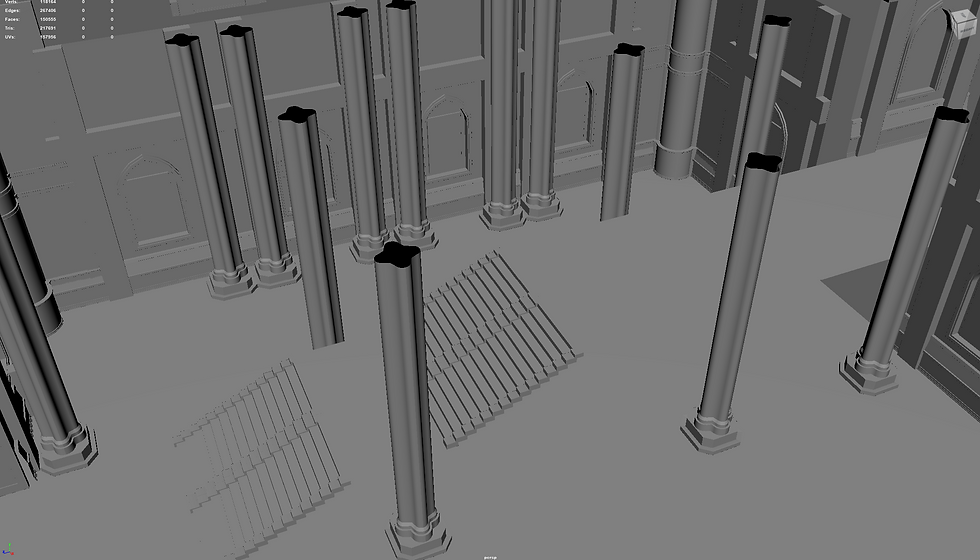
Once this had been created, I wanted to practice how I would create the wooden details within my environment. I decided to make a wooden archway which the player would be able to walk through to enter the exterior area. I followed a tutorial on YouTube on how to sculpt wood in ZBrush (Polygon Acadamy, 2019) and created a high poly for my wooden archway.

I then created a very simple low poly for this object, took it to substance painter and baked on the high poly details onto the low poly model.
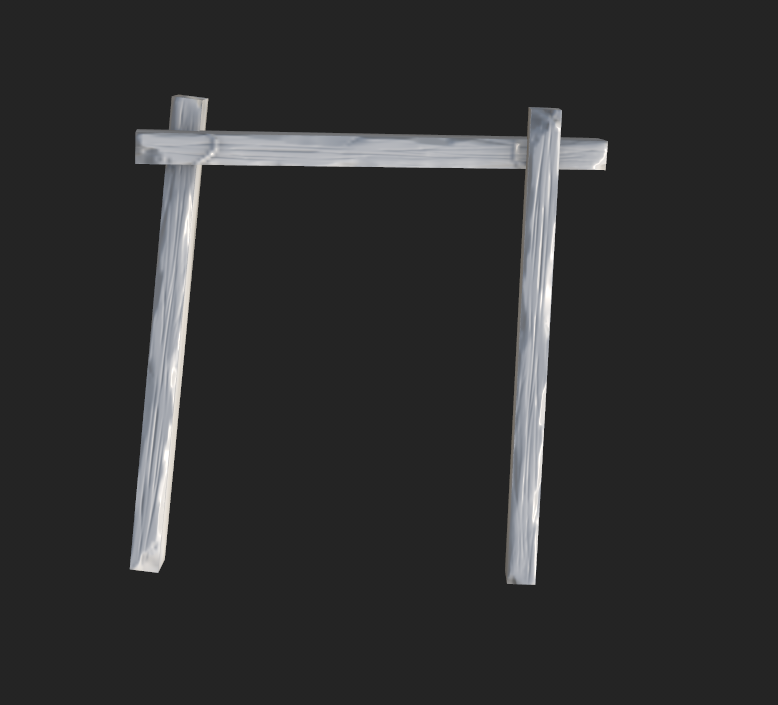
Our texture resolution limit for the project was 2k, so I made a 2k wood and rope texture for the model.

I then took this model into My Unreal Engine 5 project, with the rest of my modular kit to see how they would work within the engine.

The finished asset did not read well, so therefore will be left as an experiment and as a test for future assets.

Bibliography:
Polygon Acadamy (2019). TUTORIAL: Sculpting Wood in ZBRUSH - 3 EASY STEPS! | Polygon Academy. [online] www.youtube.com. Available at: https://www.youtube.com/watch?v=HiwV_C3IWQI.


Comments