


Week 6- Archway
- Sam Ayer
- Feb 28
- 2 min read

Updated: May 6
This week I wanted to challenge myself with a more complex asset which would replace my current placeholder pillars in my modular kit. My plan was to use the current pillars as a base for each side of an archway which would frame the walls of the interior.
I began by collecting reference, mainly from a garden archway online store (Redwood Stone, 2020).

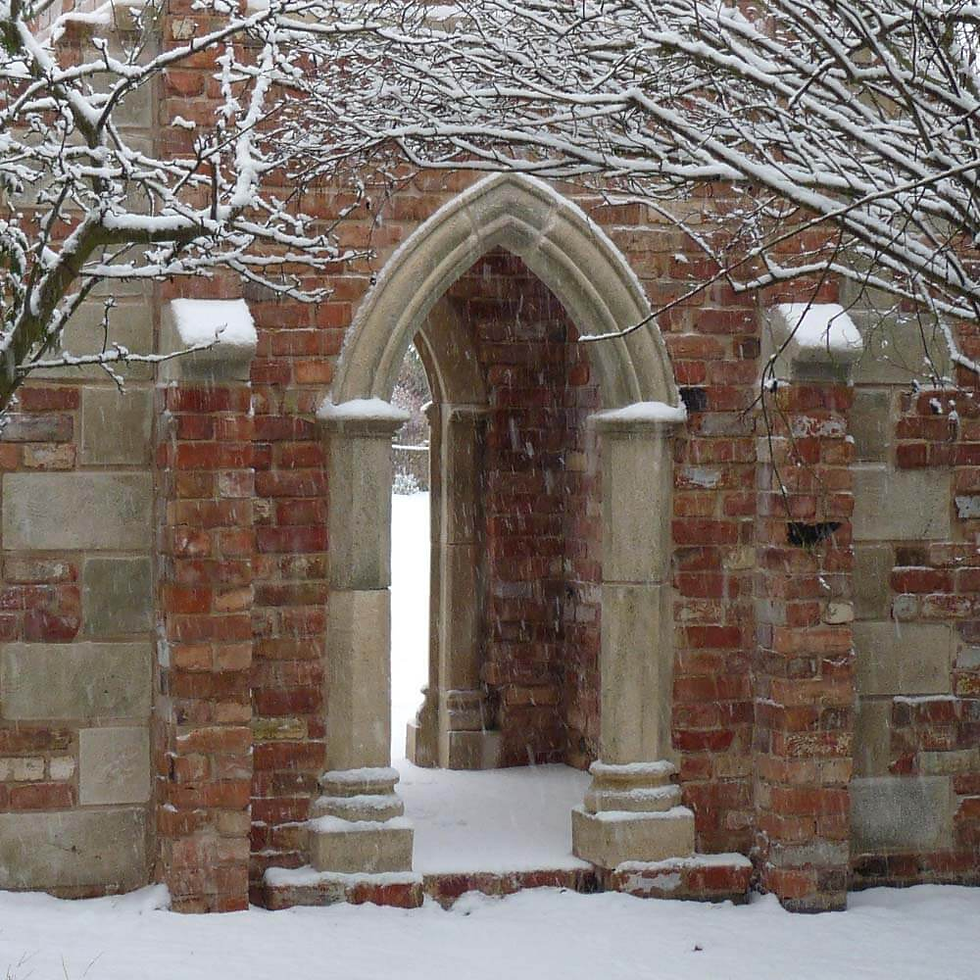


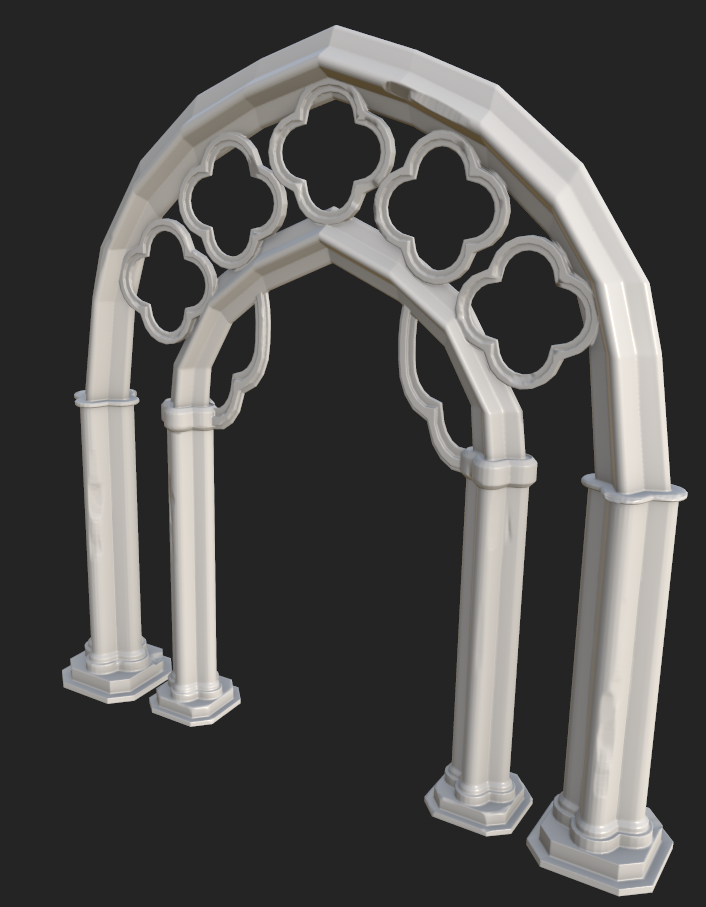
I then created the low poly mesh in Maya using my current pillars as a base.


I then took my archway into ZBrush to add damages, chunks taken out of it and various imperfections. I have become accustomed to doing this from previous weeks, and as before, used the TrimDynamic and TrimSmoothBord brushes.
I then UV unwrapped my low poly and baked my high poly onto my low poly in Substance Painter.

I then used stone references I had used earlier in the project as reference, and began to texture my archway. I wanted the archway to have bricks that followed the curve of the arch. To do this, I used two brick generators to create rows of lines of decreased height. One was projected in tri-planar on the bottom of the pillars. This gave the arch a very straight brick layout. For the bricks above the straight part of the pillars, I set the brick generator as spherical projection and lined it up so the bricks would curve around with the arch. I multiplied the generators with a grunge map to create random damage within the brick outlines.
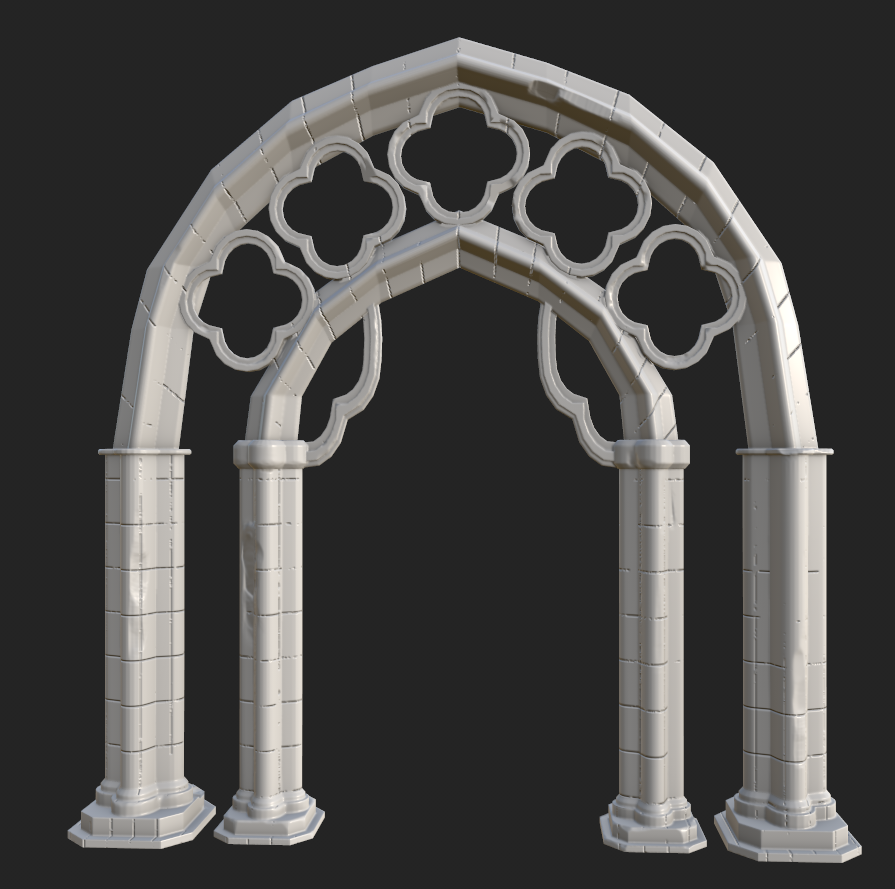
I then created the stone texture that would be used on the rest of the model. I wanted the archway to feel very old and damaged and therefore used lots of dirt and grunge generators.


Drawing for games work this week, focusing on highlights and how lighting can effect characters and assets in a scene:

Bibliography:
Redwood Stone. (2020). Stone Arch for Garden - Garden Folly Components - Redwood Stone. [online] Available at: https://redwoodstone.com/gothic-folly-components/arches-doors/.


Comments